Controls
The Controls dropdown menu (cog icon) comprises
multiple actions that can be issued on template.
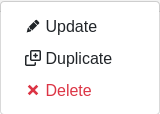
Update
Click this to enter the update form of the template.
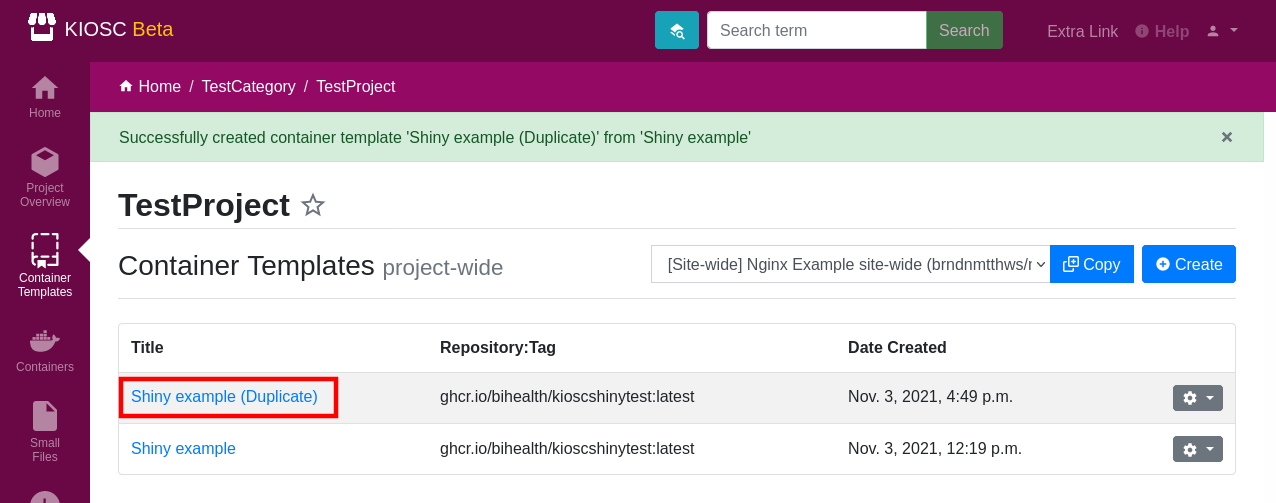
Duplicate
Duplicate is similar to the Copy action, only that you will make a copy or duplicate
of the template this menu is referring to. A new template with the same title will
show up in the list, only that the title is extended by (Duplicate).
The result is otherwise the same as when the user would make a copy of that template
with the Copy action. This means it is just a shortcut to copy templates around
within a template, while the Copy action is designed to copy templates across projects
or to copy site-wide templates.
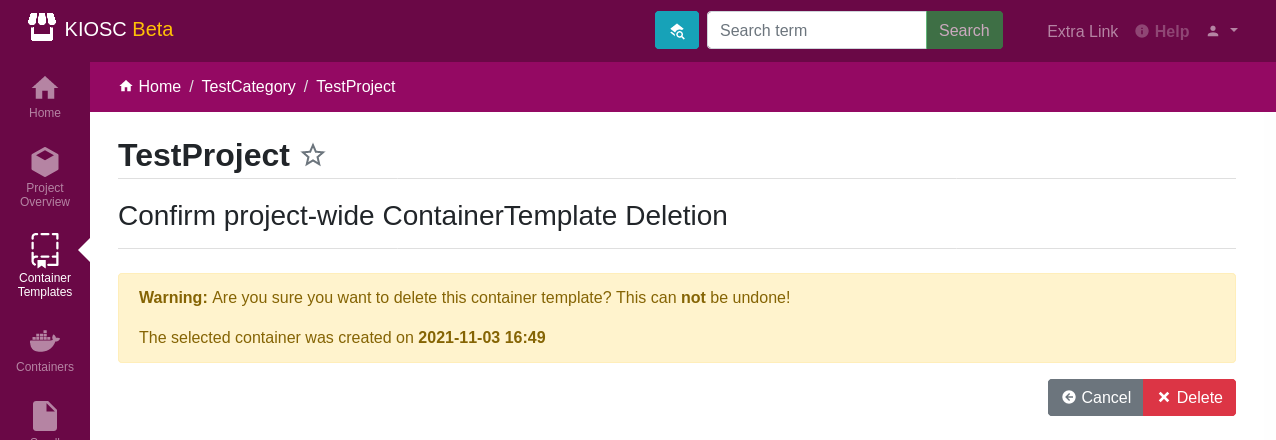
Delete
Delete deletes the template. This action needs a confirmation and can’t be undone.